
Looking for a Chaturbate app?
You can create a shortcut to Chaturbate that appears as an app icon on your device's home screen.
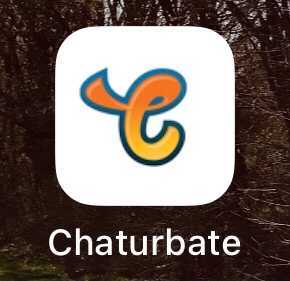
Keep in mind, there is no official "app" for Chaturbate, but you can still add an icon to your home screen for it. See the instructions below to add the icon on your device.
iOS Devices - Safari
Navigate to chaturbate.com in Safari on your iPhone or iPad. Select the Action (Share) icon, then "Add to Home Screen".
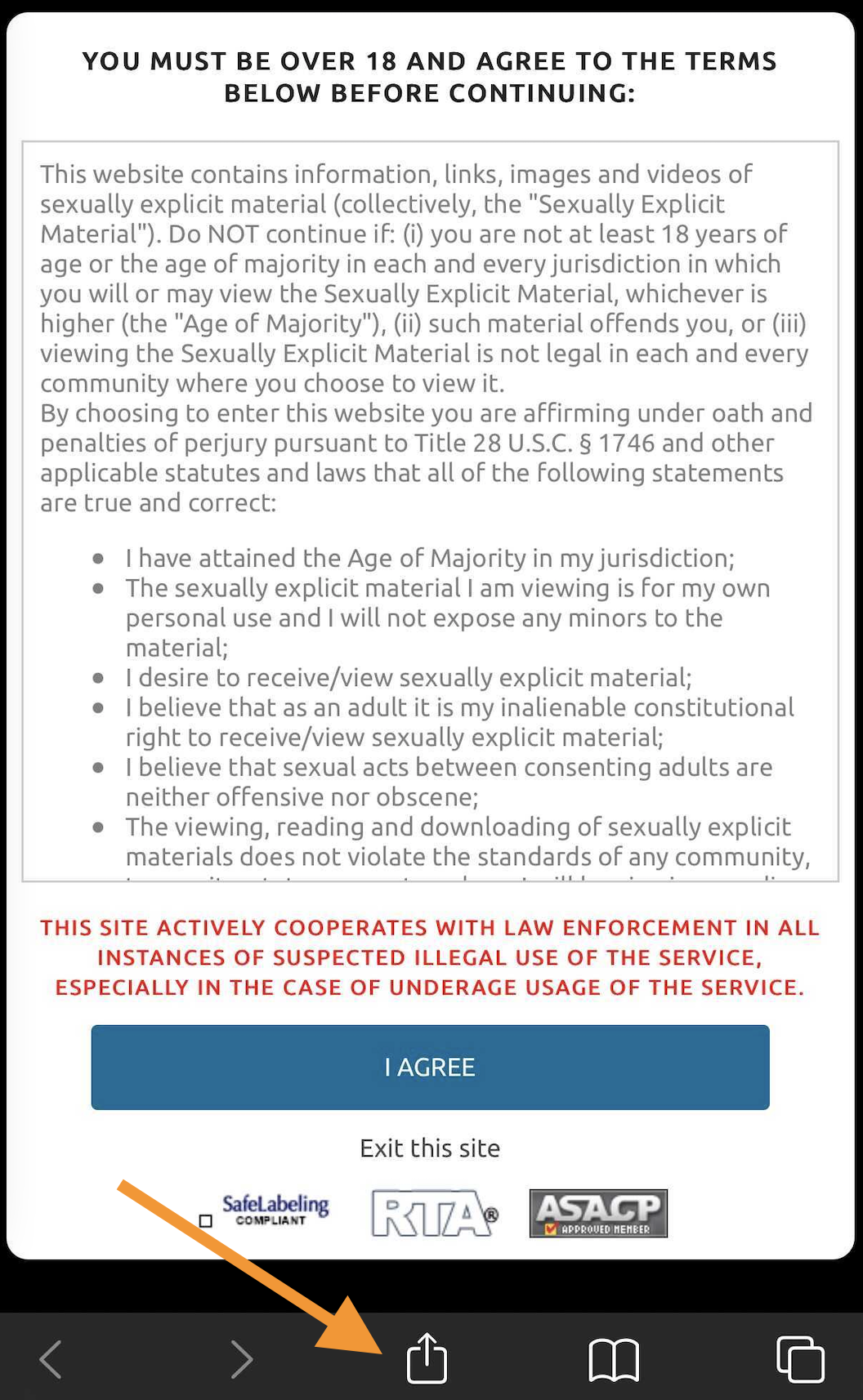
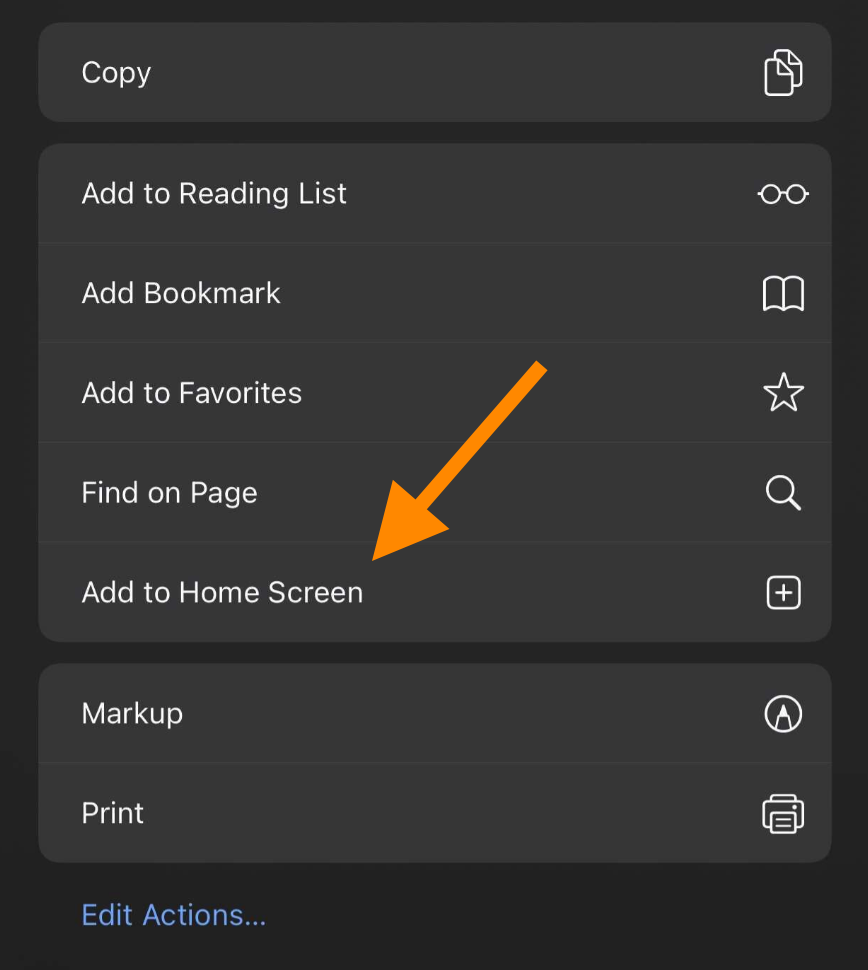
You're done! Your device's home screen should have a Chaturbate icon that can be used as a shortcut.
Android Devices - Chrome
Navigate to chaturbate.com in Chrome on your phone or tablet. Select the 3 dots icon in the upper right-hand corner, then "Add to Home Screen".
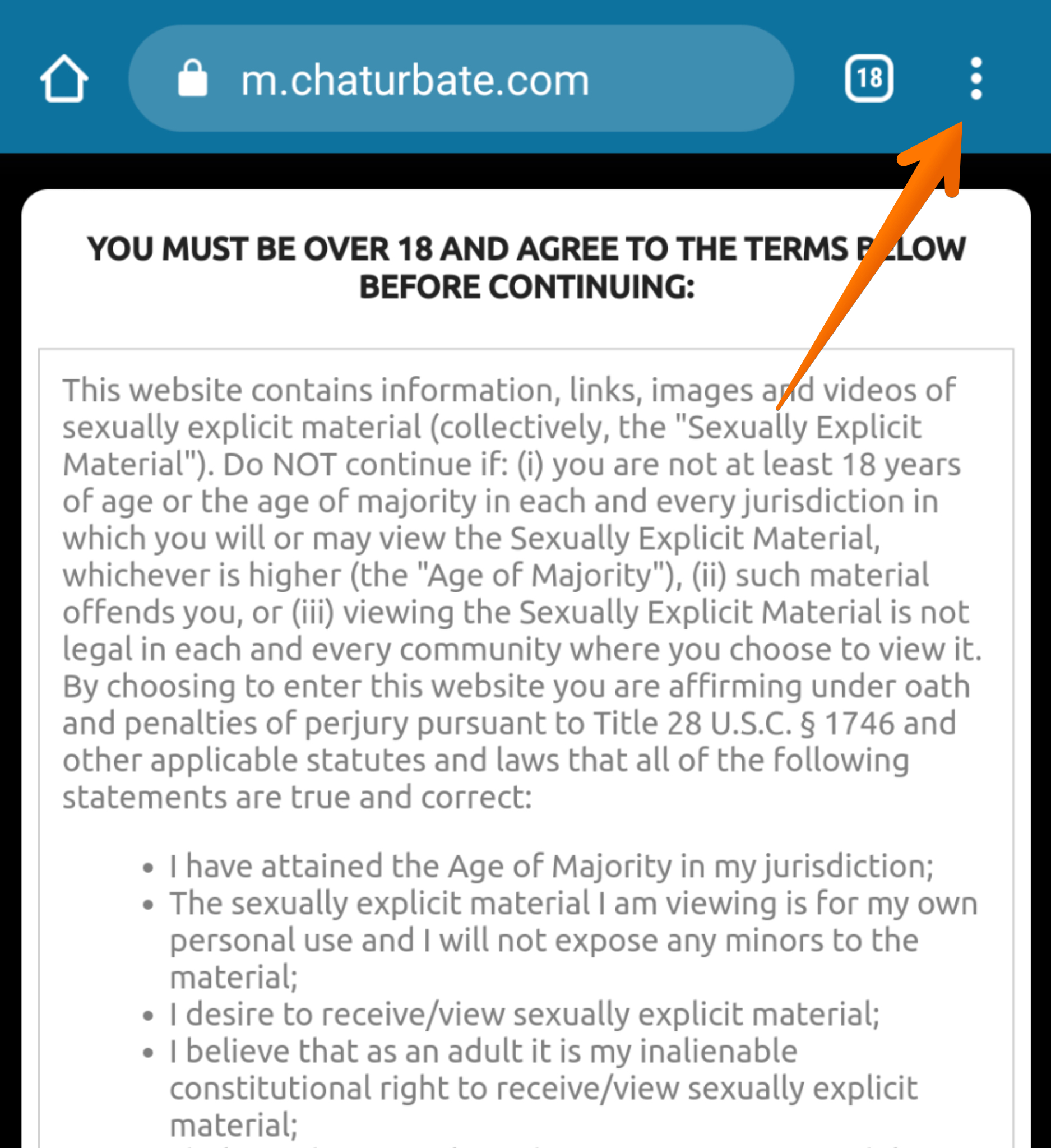
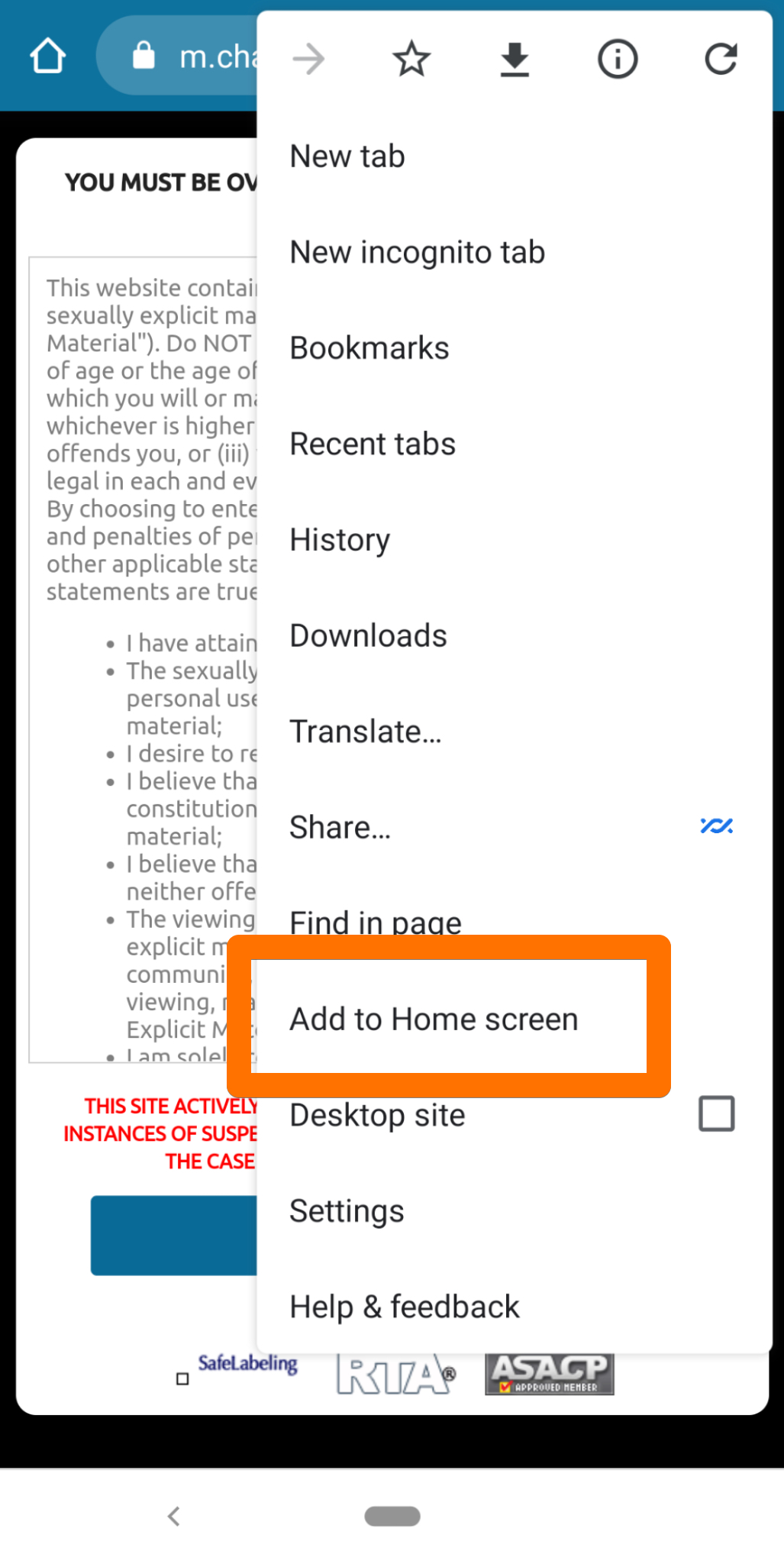
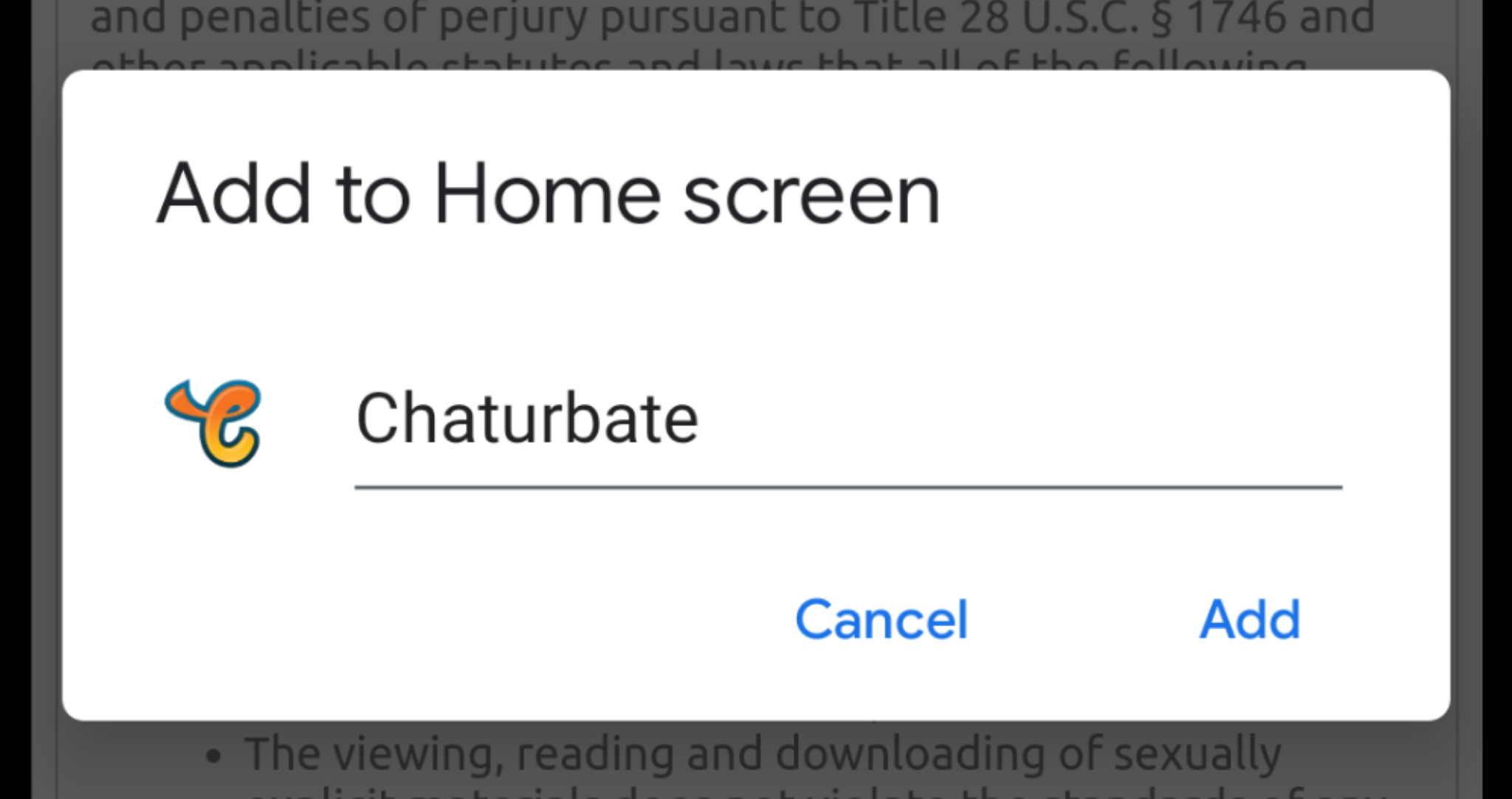
(Optional) Rename the shortcut and select "Add":
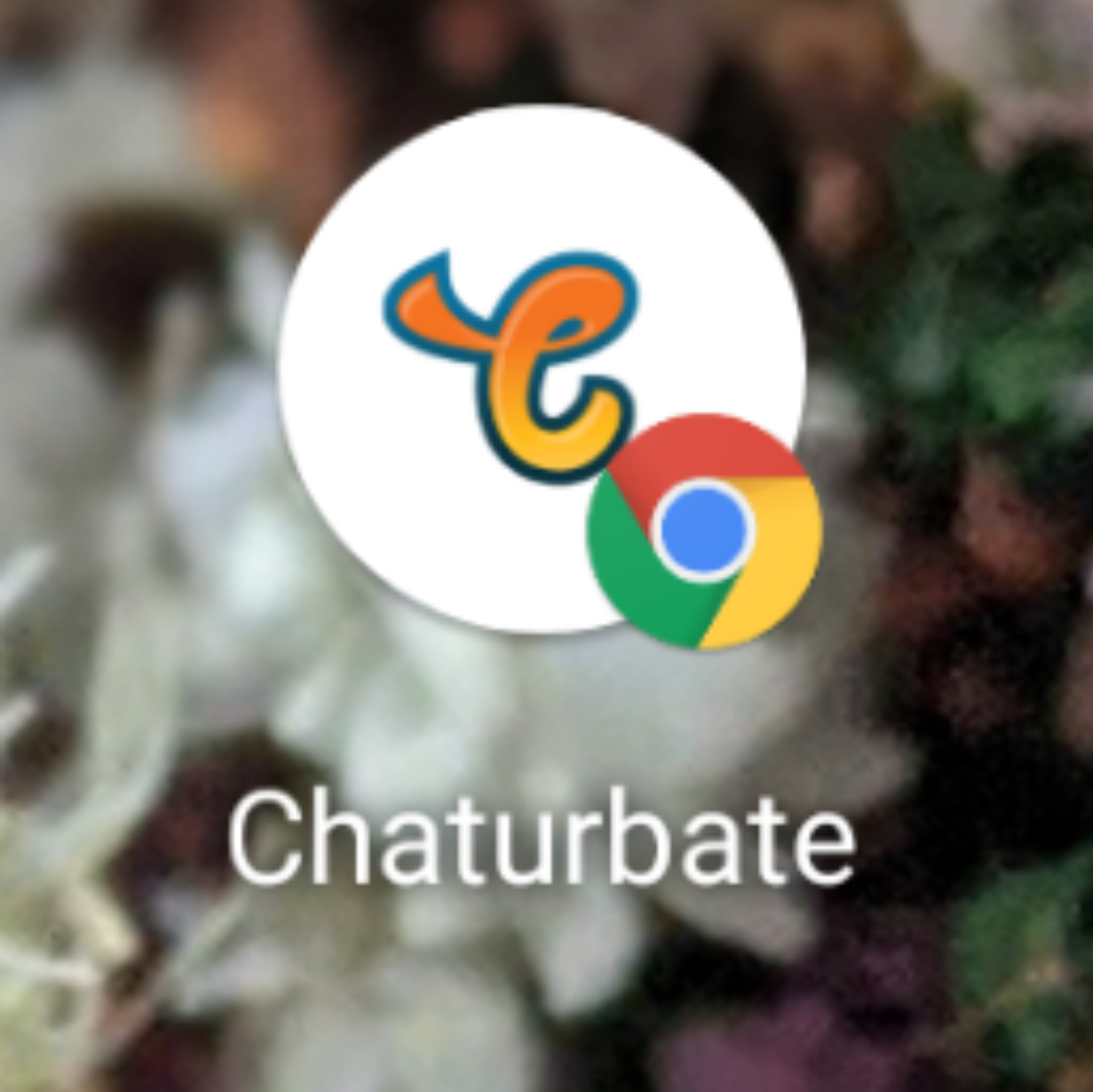
You can also choose to have the shortcut added to your Home screen automatically, or you can choose a specific place for it. When you're done, you'll have an icon on your Home screen that looks like this:
Samsung Internet
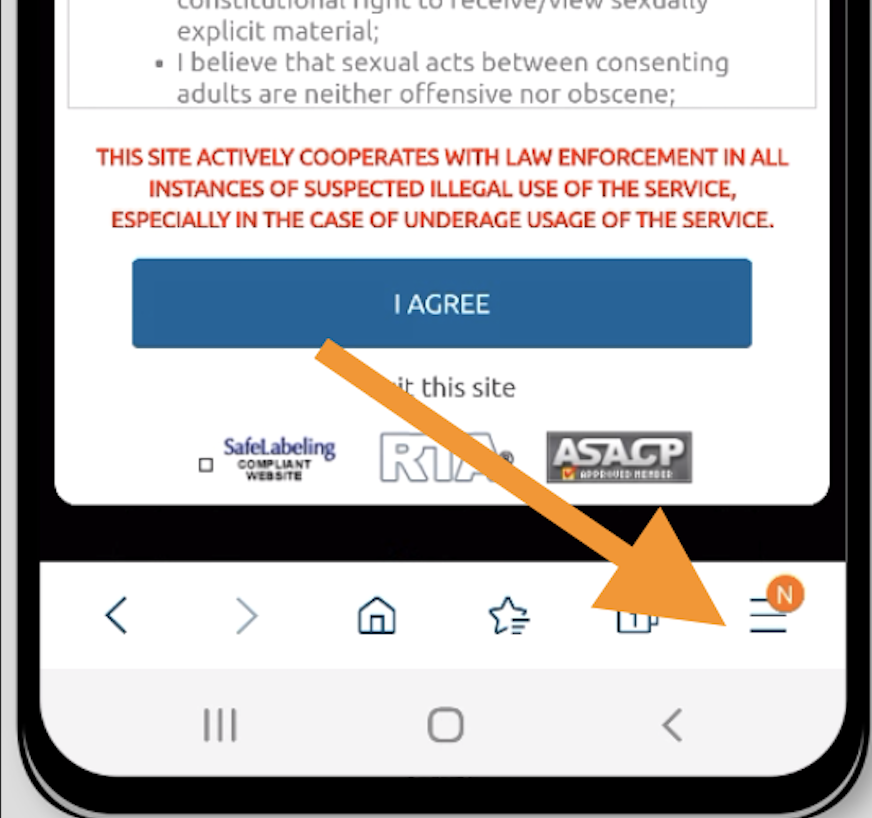
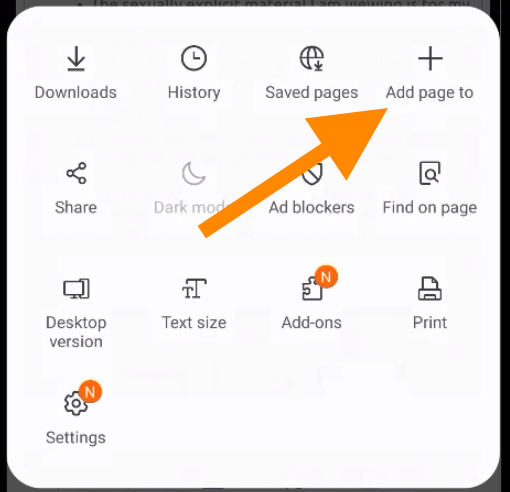
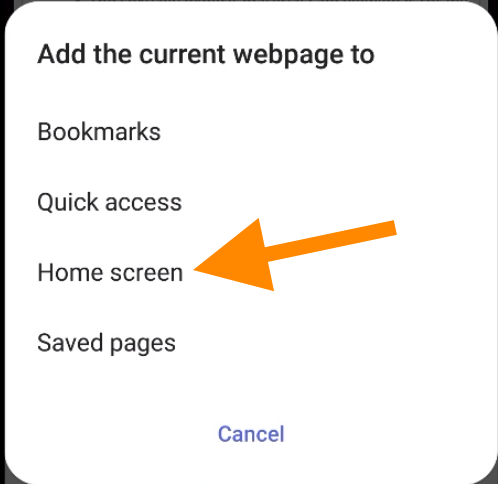
Navigate to chaturbate.com in Samsung Internet on your phone or tablet. Select the hamburger menu (3 horizontal lines) icon in the lower right-hand corner, then "Add page to", then "Home screen".
All set! Your device's home screen should have a Chaturbate icon that can be used as a shortcut.